7 companies compared
AI Heatmap Generator for Ads: 7 Tools Ranked, Free Limits Compared
An AI heatmap generator predicts where eyes land on an uploaded ad image, so it suits pre-launch checks, not measuring clicks. For Meta ads, start with Deepsolv's free tool.

By Sachit Sharma, CEO & Founder · Updated 19 Nov 2026
On this page
- 01The shortlist
- 02How we ranked them
- 03The companies in detail
- 04How to choose
- 05Key takeaways
- 06What is an AI heatmap generator, and which of the three heatmaps do you need?
- 07How much heat does a position earn before your design does anything?
- 08What should you do after a predicted heatmap passes?
- 09Method and sources
- 10Frequently asked
The short answer
Only a predicted attention heatmap works on an ad image before launch. Our free tool takes up to five images at once with no signup. A red spot in the middle proves little, so compare an element's share of the heat with the share a center-only map would give it before you trust the read.
The shortlist
- 1Deepsolv Ad Attention HeatmapOur companyBest overall
- 2Attention InsightFor teams wanting published dollar pricing
- 3BrainsightFor multi-user teams testing at volume
- 4JarvilleFor a quick trial
- 5SwitasFor a one-off look
- 6NeuroAdsFor reports and comparison features
- 7NeuronsFor larger teams wanting a quoted package
How we ranked them
- Takes an uploaded ad image and returns a predicted attention map
- Checked on the provider's own site on 19 November 2026
- Shows a free allowance or a price, or says how pricing works
- Suits a Meta ad team that wants a pre-launch read without a card
The companies in detail
Deepsolv Ad Attention Heatmap
Free predicted attention heatmap for batches of ad variants
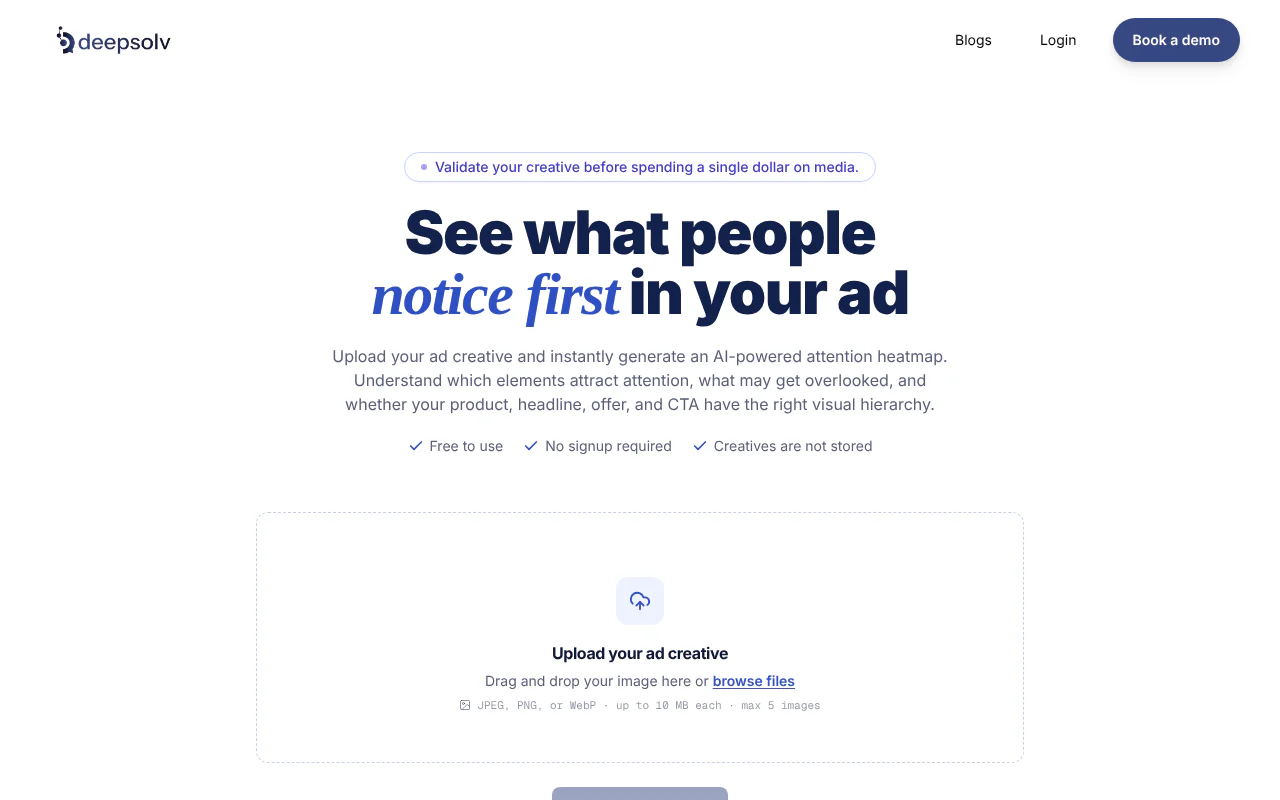
- Free to try
- 5 images per run, no signup
- Pricing model
- Platform price shared in a demo
- Accepts
- JPEG, PNG, WebP up to 10 MB
- Main limit
- 5 images per run
It suits Meta ad teams with a batch of variants to check. We rank it first because a whole round of variants runs in one sitting.
Strengths
- Takes up to five JPEG, PNG or WebP images of up to 10 MB each in one run, with no signup
- Does not store your creatives
- The overlay marks red and yellow areas as more likely to attract attention and blue and darker areas as likely to get less
Attention Insight
Paid attention tool with published monthly dollar plans
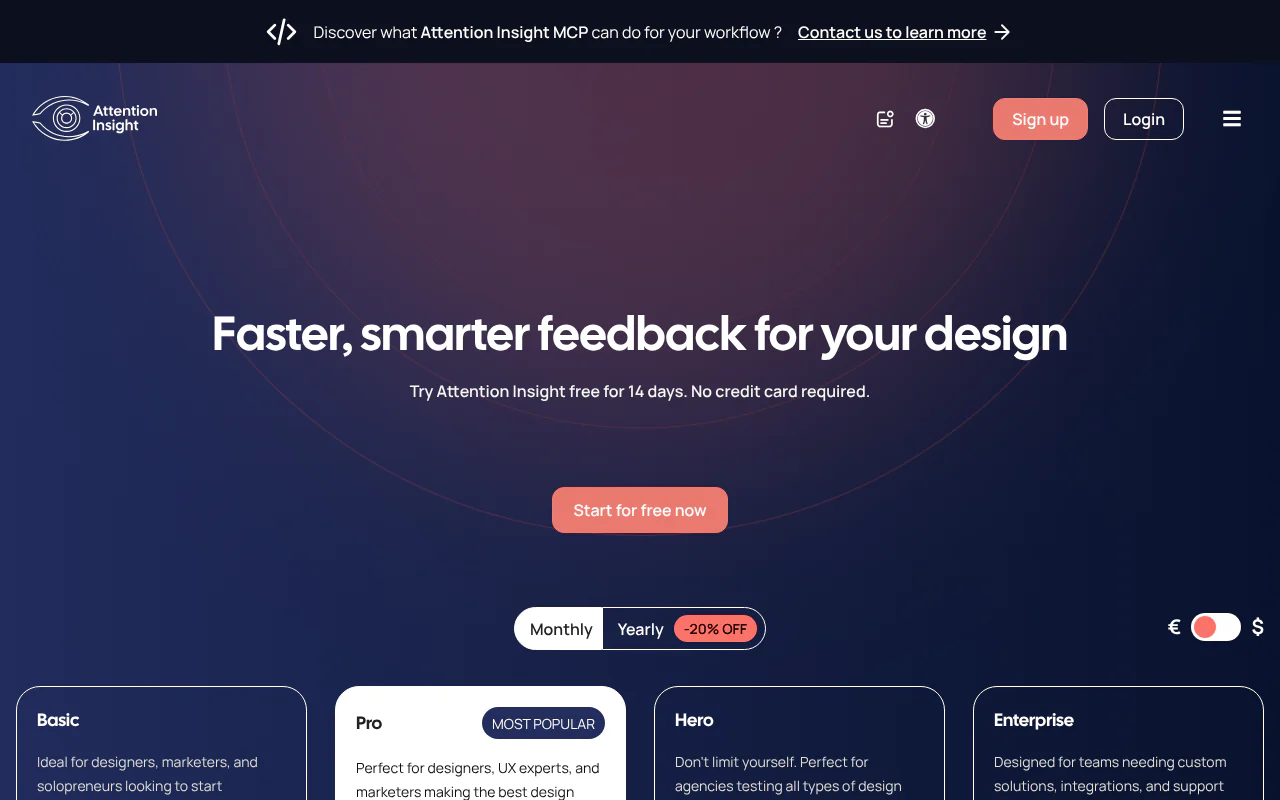
- Free to try
- 14-day trial, no card
- Pricing model
- $31, $129, $324 a month
- Accepts
- Uploaded ad images
- Main limit
- Basic: 40 credits and a watermark
It suits teams that want a paid tool with published dollar pricing. It offers a 14-day free trial with no card.
Strengths
- Published prices of $31 (Basic), $129 (Pro) and $324 (Hero) a month
- 14-day free trial with no card
- Hero and Enterprise plans are unlimited
Limitations
- Basic carries a watermark, so its output is not clean for sharing
- Basic carries 40 credits and Pro 200, so volume testing means moving up a tier
Brainsight
Heatmaps for static ads, videos and live URLs
- Free to try
- Free trial on Team and Business
- Pricing model
- Team and Business plans, in euros
- Accepts
- Static ads, videos, live URLs
- Main limit
- No dollar price published
It suits teams testing images, video and live URLs at volume with several users. Its AI heatmaps page says it analyzes static ads, videos and live URLs.
Strengths
- Team plan covers 5 users and 500 image heatmaps a month
- Business plan covers 10 users, 1,500 image heatmaps and 20 video heatmaps a month
- Free trial on each plan
Limitations
- Plans are priced in euros, so a US buyer must convert
- No dollar price is published
Jarville
Free credit-based attention scans
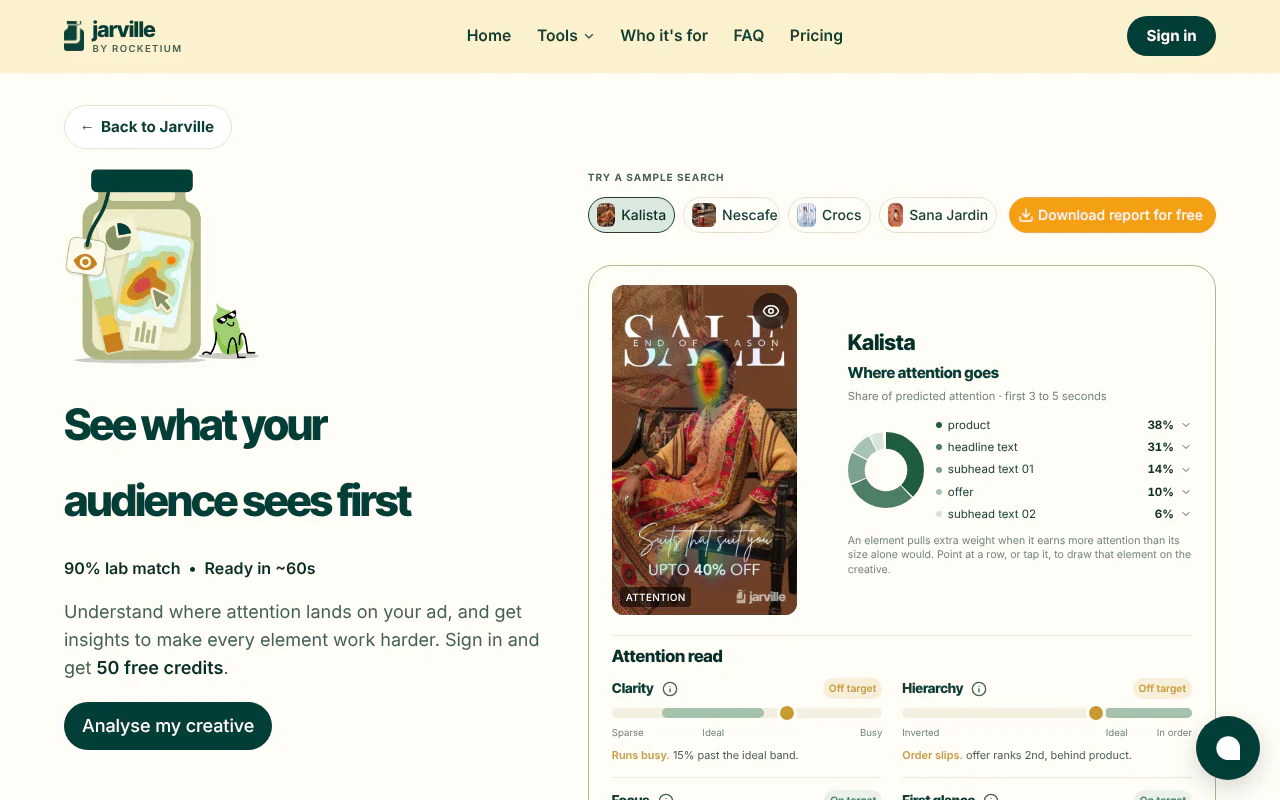
- Free to try
- 10 scans after signup
- Pricing model
- Credits, 5 per scan
- Accepts
- PNG, JPG, WebP up to 10 MB
- Main limit
- Signup before first upload
It suits a quick trial. It says it predicts the first 3 to 5 seconds of viewing.
Strengths
- 50 free credits at 5 per scan, which is 10 free scans
- Takes PNG, JPG or WebP files up to 10 MB
- Predicts the first 3 to 5 seconds of viewing
Limitations
- You must sign in before uploading your own ads
- Ten free scans cover only two five-variant rounds
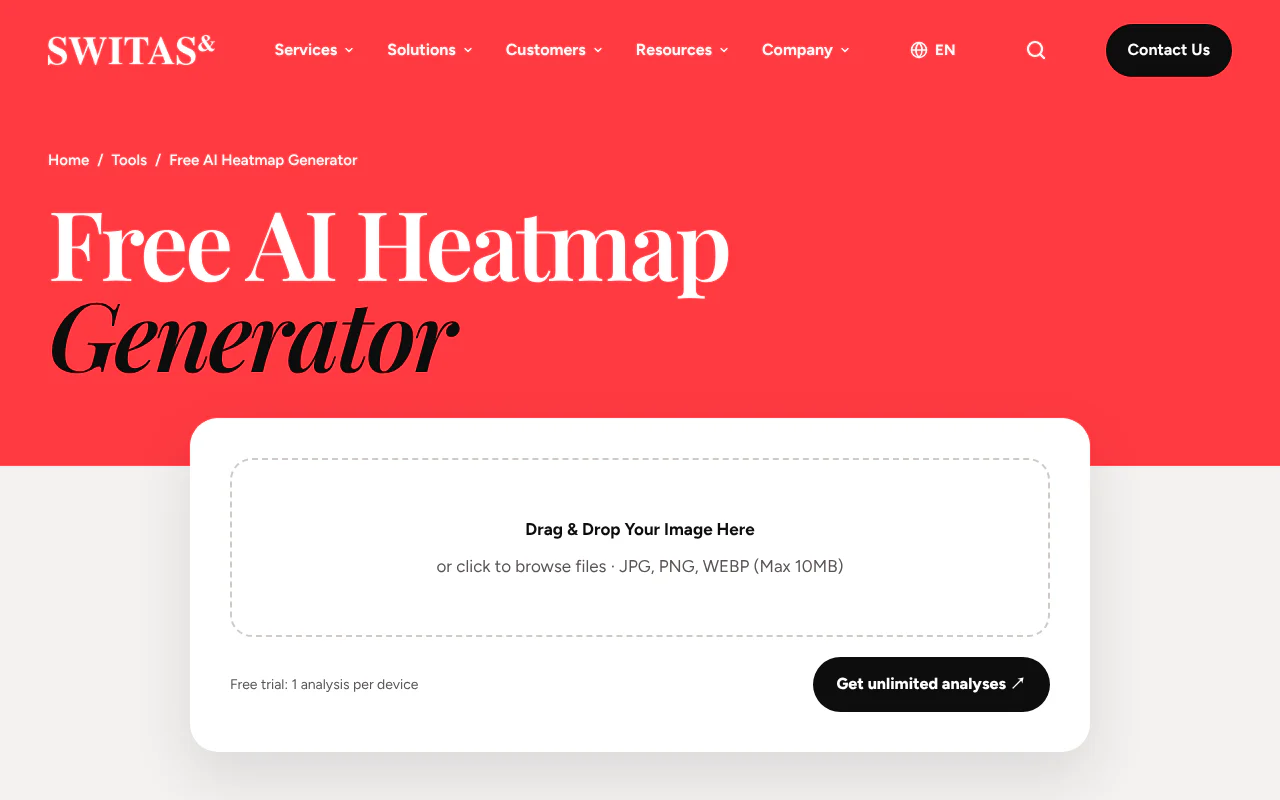
Switas
Single free analysis per device
- Free to try
- 1 analysis per device
- Pricing model
- Via partner NeuroAds
- Accepts
- JPG, PNG, WEBP up to 10 MB
- Main limit
- One analysis per device
It suits a one-off look at a single creative.
Strengths
- Free tool with no stated signup step
- Takes JPG, PNG or WEBP up to 10 MB
- Links to its partner NeuroAds for further use
Limitations
- The free trial is one analysis per device, so it cannot cover a round of variants
- More analyses require its partner NeuroAds
NeuroAds
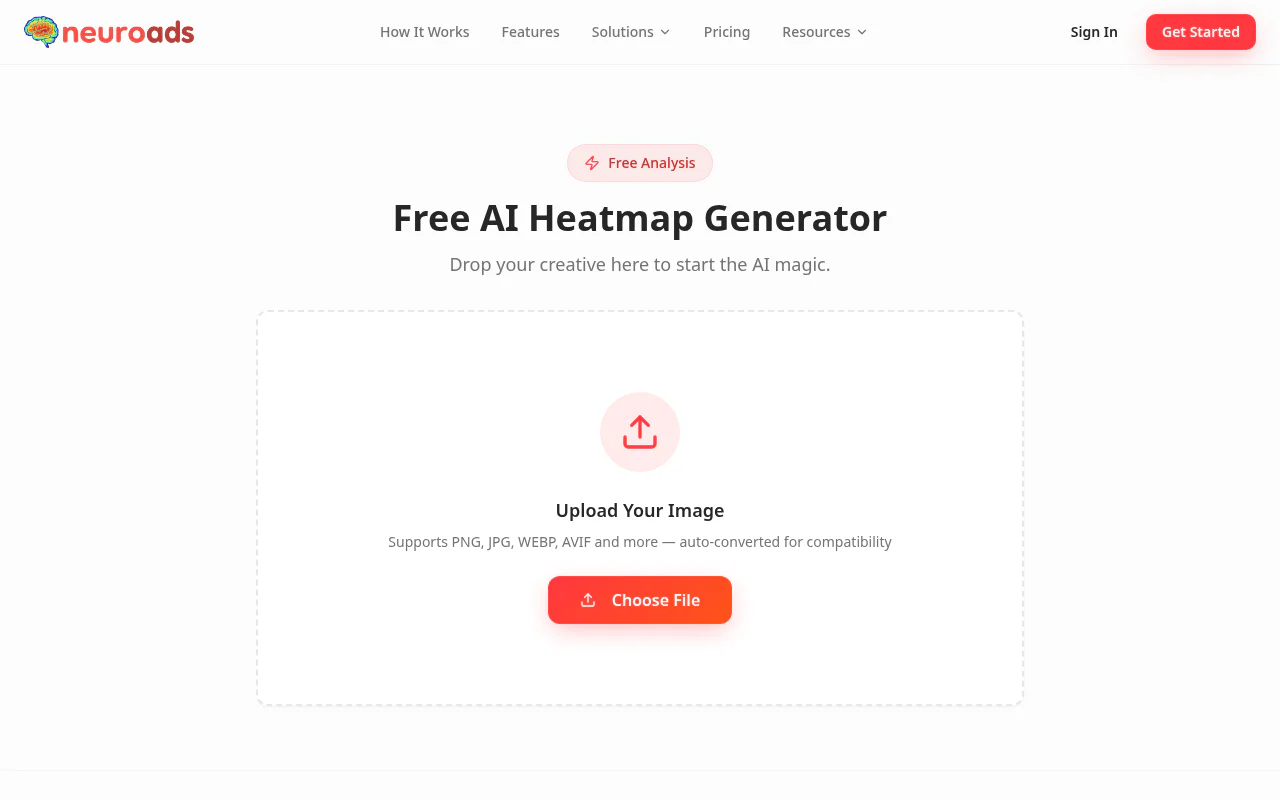
Free generator with premium reports and A/B comparison
- Free to try
- First test without signup
- Pricing model
- Premium tier, see neuroads.ai/pricing
- Accepts
- PNG, JPG, WEBP, AVIF
- Main limit
- Reports and A/B comparison are premium
It suits teams that want reports and comparison features. It lists detailed PDF reports, A/B comparison tools and API access as premium features.
Strengths
- First test needs no signup
- Takes PNG, JPG, WEBP and AVIF
- Offers a free generator alongside its premium tier
Limitations
- Pricing sits on a separate pricing page, not on the free-tool page
- PDF reports, A/B comparison and API access are premium-only, so the free test is limited to the basic map
Neurons
Quoted attention prediction packages
- Free to try
- Starts with a quote request
- Pricing model
- Quoted packages
- Accepts
- Uploaded ad images
- Main limit
- No published price
It suits larger teams that want a quoted package. Its pricing page lists three attention prediction packages, Starter, Pro and Scale, each with unlimited analysis and predictions.
Strengths
- Starter, Pro and Scale packages each include unlimited analysis and predictions
- Starter includes 500 visual recommendations
- Starter supports up to 5 users
Limitations
- Packages are quoted on request, with no price published
- Buying starts with a quote request, so it does not suit a quick test
How to choose
- 1
Does your real file upload in one try?
Pass: your export in JPEG, PNG or WebP at or under 10 MB uploads without an account or conversion. Fail: it needs signup first or a different format. - 2
Does the allowance cover a full round?
Count variants per round. Pass: the free or paid allowance covers one round. Fail: a cap below your count, such as one analysis per device for a five-variant round. - 3
Does the page name its metric and test images?
Pass: the page names the metric (for example correlation coefficient) and the dataset it was measured on. Fail: a bare percentage such as "90% match". - 4
Does the price match your volume?
Multiply variants per round by rounds per month and compare with the plan's allowance in the plan's own unit. Pass: the monthly count fits. Fail: you pay for the next tier up. - 5
Does the element beat position?
Compute the ratio from the center-bias section. Pass: 1.5 or more. Below 1.0 fails. Between the two is unclear, so enlarge or raise contrast and rerun.
Key takeaways
- A predicted attention heatmap is the only kind of AI heatmap generator that works on an ad image before launch. Our free tool takes up to five images at once with no signup.
- Free allowances differ sharply: five images with no signup, ten scans after signup, or one analysis per device. Count your variants before you pick.
- A red spot in the middle of an ad proves little. By our own Gaussian center-bias model, a bell-shaped blob centered on the image that imitates a center-only map (our calculation, not an official figure), the middle 20% by 20% box holds about 10.6% of the heat before your design does anything.
- Use a heatmap to drop variants where the offer or button fails the 1.5 ratio against position, and keep the rest for the next round.
What is an AI heatmap generator, and which of the three heatmaps do you need?
An AI heatmap generator is software that turns an input into a colored intensity map. The input decides which kind you need: an ad image calls for a predicted attention heatmap, a live page with traffic for a measured one, and a spreadsheet for a chart.
Measured heatmaps need setup. Microsoft's Clarity requires the tracking code to be installed and builds maps from visitor clicks and scrolls, with no minimum traffic. Clarity is free, and a single heatmap is limited to 100,000 page views.
A predicted heatmap has no such requirement, which is why it is the one for an unlaunched ad. Wingify's website version states plainly that its emailed map is "a predictive example and not based on real visitor browsing data".
- What you have
- An ad image, nothing live
- What you need
- Predicted attention heatmap, a model's estimate of where eyes land
- Example
- Tools ranked above
- What you have
- A live page with visitors
- What you need
- Measured heatmap built from real clicks and scrolls
- Example
- Microsoft Clarity
- What you have
- A table of numbers
- What you need
- Chart heatmap
- Example
- A spreadsheet-based chart maker
How much heat does a position earn before your design does anything?
A center-only model gives the middle of an image a large share of heat before any design choice. On the public MIT300 benchmark, a center-only baseline scores a correlation of 0.4455. The best listed model scores 0.8832. Correlation (CC) runs from -1 to 1; 0 means unrelated and 1 means identical to where people looked.
So a red glow on a centered product proves little. Our attention heatmap guide turns that into a rule: divide an element's share of the heat by the share a center-only map would give its box, and a ratio of 1.5 or more passes. The 1.5 threshold is our judgment, not a published standard.
We worked out the center-only shares ourselves with the Gaussian stand-in from that guide, a bell-shaped blob centered on the image that imitates a center-only model (spread 25% of width and height). Shares are normalized to the visible frame, so each zone's share is its portion of all heat in the image. We computed it for 1:1 (1080 by 1080), 4:5 (1080 by 1350) and 9:16 (1080 by 1920) frames, and shares differed by less than 0.1 percentage points between them. The table shows the 4:5 values. The stand-in approximates the benchmark baseline, so treat it as a guide.
How to use it: put a box around your offer or button, find the nearest row, and read the right-hand column as the minimum heat share. A button-sized box low in the frame needs about 5.7% of all heat to pass, while a 20% by 20% box at the center needs about 15.9%. The five-row table is a reading aid for a quick check. Run the guide's script on your own boxes for a precise ratio.
- Zone
- Top 15% strip
- Share of frame
- 15.0%
- Center-only share of heat
- 6.0%
- Heat share needed for a 1.5 ratio
- 9.1%
- Zone
- Bottom 15% strip
- Share of frame
- 15.0%
- Center-only share of heat
- 6.1%
- Heat share needed for a 1.5 ratio
- 9.2%
- Zone
- Bottom-center box, 40% wide by 10% tall, spanning 80% to 90% of the height (button-sized)
- Share of frame
- 4.0%
- Center-only share of heat
- 3.8%
- Heat share needed for a 1.5 ratio
- 5.7%
- Zone
- Center box, 20% by 20%
- Share of frame
- 4.0%
- Center-only share of heat
- 10.6%
- Heat share needed for a 1.5 ratio
- 15.9%
- Zone
- Bottom-right corner, 20% by 20%
- Share of frame
- 4.0%
- Center-only share of heat
- 0.9%
- Heat share needed for a 1.5 ratio
- 1.4%
What should you do after a predicted heatmap passes?
Test the survivors with real people, because a heatmap predicts visibility and not what viewers do. A changed prediction after an edit shows only that the model's output moved. An A/B test hypothesis with a named metric shows what viewers did, and Facebook ads metrics explains which number answers which question. For Reels, check the placement you are buying, and run the heatmap on the version people will see there.
This is where we work. The heatmap is our pre-flight read. The Deepsolv creative intelligence platform combines ad-performance data, competitor activity, customer signals and past ad learnings into ranked weekly creative test plans and execution-ready creative briefs for teams running Meta ads. Recommendations guide experiments and do not guarantee profitable ads. Pricing is shared in a personalized demo with our founding team, so book a demo and ask.
How we built this list
We considered tools that take an uploaded ad image and return a predicted attention map, checking each provider's own site on 19 November 2026. Clarity and Wingify are left out because they measure or predict website behavior, not ad images. We ranked them for a Meta ad team that wants a pre-launch read without a card, with prices in US dollars where the provider shows them, as of November 2026. Deepsolv is one of the companies listed.
This page is published by Deepsolv. If anything here is out of date, tell us and we will correct it.
Sources
- 1.MIT/Tübingen Saliency Benchmark results, MIT300, November 2026
- 2.Heatmaps overview, Microsoft Learn (Clarity), Microsoft
- 3.Clarity frequently asked questions, Microsoft Learn, Microsoft
- 4.Attention Insight pricing, 19 November 2026
- 5.Brainsight pricing, 19 November 2026
- 6.Brainsight AI heatmaps, 19 November 2026
- 7.Jarville attention heatmap tool, November 2026
- 8.Switas free AI heatmap generator, November 2026
- 9.NeuroAds free AI heatmap generator, November 2026
- 10.Neurons pricing, 19 November 2026
- 11.Wingify AI-powered heatmap generator, November 2026
- 12.Deepsolv Ad Attention Heatmap