Facebook Ad Library: What US Ads Show and a Weekly Log
The Facebook Ad Library is Meta's public search tool for ads currently running. For ordinary US commercial ads it shows the creative and start date, but not spend, reach or past ads.

By Sachit Sharma, CEO & Founder · Updated 29 Oct 2026

Key takeaways
- For ordinary US commercial ads, the library shows only ads running now, with the creative, the Page, a start date and the platforms. Spend, reach and past ads are not shown.
- Spend ranges and reach appear only for social issue, election and political ads. Ads delivered in the European Union (EU) stay visible for a year after their last impression, meaning the last time the ad was shown to someone.
- A start date belongs to one listing, not one idea. Judge an ad by its hook (the opening line or first three seconds) and offer, and keep your own dated record.
- A weekly log with one row per concept, plus a rule for promoting a concept to a test, turns browsing into a decision.
In this article
- 1What does the Facebook Ad Library show for US ads, and what does it hide?
- 2Can you see a competitor's past ads on the Facebook Ad Library?
- 3How do you check the US and EU views yourself in ten minutes?
- 4Does a start date tell you how long an ad has worked?
- 5How do you turn Ad Library browsing into a weekly log?
- 6How do you choose which competitor ad to test?
- 7Where does a spreadsheet log stop working, and what do we do next?
- 8Frequently asked questions
A competitor's ad in the Facebook Ad Library may look new while repeating an idea the brand ran long ago. For an ordinary US commercial ad, the record ends the day the advertiser switches it off, so no earlier version is left to compare.
That one design choice explains most of the frustration around the tool. You can't see spend or audience. You can't see which ads were tried and dropped. Dates can mislead. Some third-party guides describe history that Meta does not keep, so it is easy to plan a research routine around data that isn't there.
Below, we cover what the library shows for each type of ad, how to compare the US and European views yourself, and what a start date can and can't tell you. The page ends with a weekly log you can copy. It records each week's ads in your own spreadsheet, so you build the history Meta doesn't keep and can pick one test at a time.
What does the Facebook Ad Library show for US ads, and what does it hide?
For an ordinary US commercial ad, the Meta Ad Library shows the ad only while it is running. The "All ads" search is limited to currently active ads, so stopped campaigns are not searchable. Extra detail such as spend, reach and funder is reserved for political and issue ads. (Meta Help Center)
For a short definition, see our Meta Ad Library definition.
| Ad type | When you can see it | Extra data |
|---|---|---|
| Ordinary commercial ad, delivered in the US | Only while active | None beyond the ad, its Page and basic listing details |
| Ad delivered in the EU | While active, then archived for one year after its last impression | – |
| Social issue, election or political ad | Active or inactive, stored for 7 years | Funder, a range of spend and reach by demographic |
Sources: Meta Ad Library tools and Meta Help Center, as of October 2026.
As of October 2026, Meta no longer delivers political, electoral or social issue ads in the EU (since 6 October 2025), so only older EU political ads remain in the library. (Meta)
Meta's application programming interface (API) is limited to authorized users and covers political and issue ads, EU-delivered ads and branded content. Ordinary US commercial ads are not in that description. The research tools page lists a separate targeting dataset for approved researchers only. (Meta Ad Library tools)
Meta can also remove ads, for serious Community Standards violations or a valid government request. (Meta Help Center)
Can you see a competitor's past ads on the Facebook Ad Library?
You can't see past ads for an ordinary US commercial advertiser. Meta stores inactive ads for 7 years only for social issue, election and political ads, and for one year after the last impression for ads delivered in the EU. A US-only commercial ad that has stopped is not archived.
Some third-party guides describe date filters or end dates for ordinary commercial ads. Meta's Help Center says only active ads are searchable, so treat those claims with caution. (Meta Help Center)
How do you check the US and EU views yourself in ten minutes?
Run the same search twice and compare. This test needs no tool beyond the Ad Library, and you can repeat it whenever Meta's rules change.
- Pick a brand that sells in both the US and Europe. Open the Ad Library, choose "All ads", set the country to the United States and search the Page.
- Write down what you see: the number of listings, the fields on each card, and whether any inactive ads appear.
- Switch the country to an EU country and repeat the search.
- Pass: the EU view shows inactive ads from the past year or extra fields the US view lacks. That matches Meta's EU archive rule.
- Fail: the two views look identical. The brand probably had no ads delivered in the EU, so try another brand.
The EU view shows ads delivered in the EU. They may differ from what the brand runs in the US, so use it to understand a brand's past patterns, not to rebuild its US plan.
Does a start date tell you how long an ad has worked?
A start date tells you when one listing began, not how long an idea has run or whether it made money. Meta doesn't show spend, conversions or return on ad spend for commercial ads, so a long-running ad shows only that the advertiser kept it on.
Treat a recent start date as "this listing is new", not "this idea is new". A creative that was duplicated or refreshed may appear as a new listing, so compare the hook and the offer before you call anything new. Our recommendation is to judge a concept by what it says and shows, then watch whether it keeps appearing in your log.
Counts need the same care. One idea can produce many listings. What Competitor Ad Volume Actually Tells You covers how to group listings into concepts and read volume over time.
How do you turn Ad Library browsing into a weekly log?
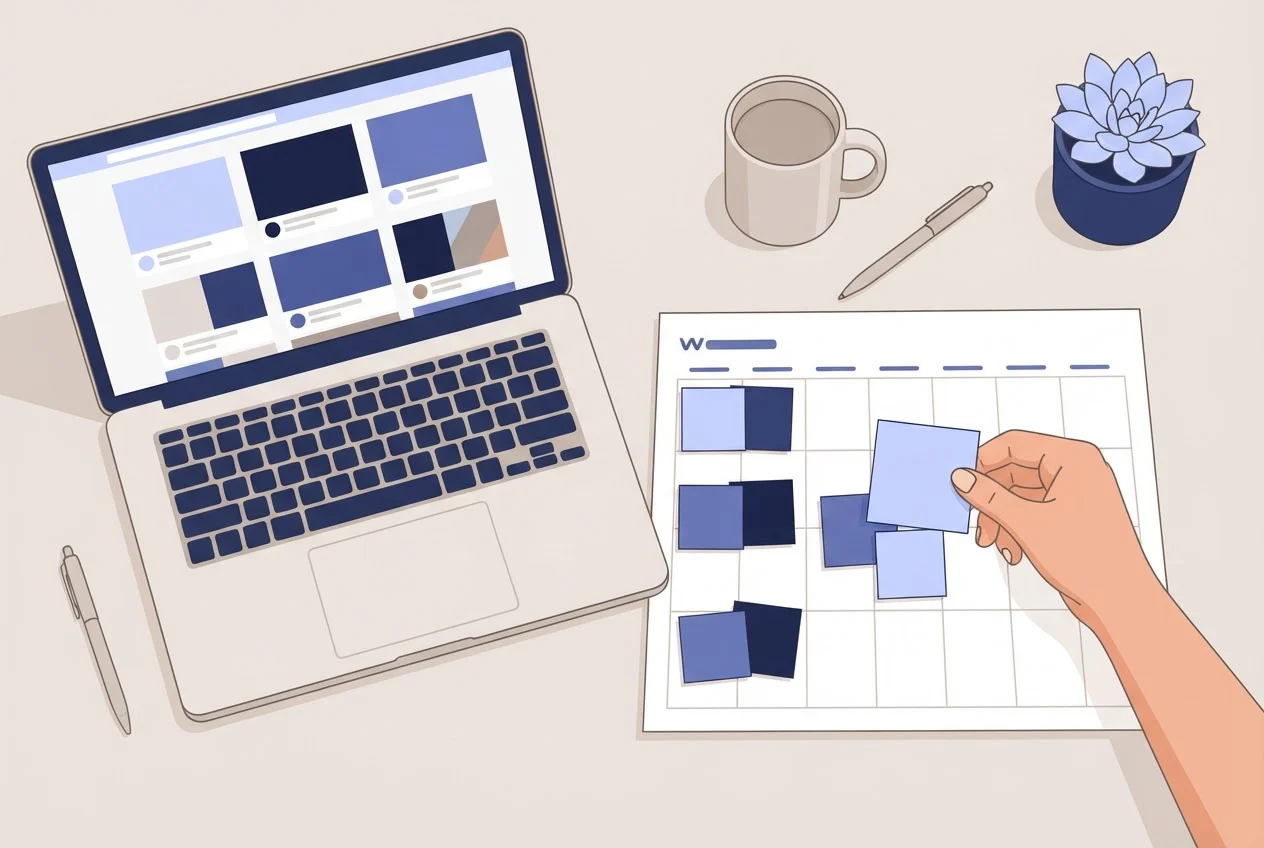
Capture the same competitors on the same day each week, keep one row per concept, and promote a concept to a test only when it passes four checks. This builds the history Meta doesn't keep for commercial ads.
A concept family is a group of listings that share the same hook, offer and visual idea. Copy these columns into a spreadsheet:
| Column | What to enter |
|---|---|
| Date captured | The day you looked |
| Page | The advertiser's Page name |
| Library ID | One example ID from the family |
| Started running | The date shown, as shown |
| Format | Image, video or carousel |
| Hook | The first line or first three seconds, in your words |
| Offer | Discount, bundle, guarantee, free shipping or none |
| Call to action | The button shown |
| Landing page | The destination URL, if shown |
| Concept family | A short label |
| Seen last week? | Yes or no |
Four rules keep the log honest:
- One row per concept. Pass: two listings with the same hook, offer and visual idea share one row. Fail: you have five rows for five thumbnail swaps.
- Persistence. Pass: the concept appears in two consecutive weekly captures. Fail: it appears once, so keep watching and don't test it yet.
- A one-sentence hypothesis. Pass: you can finish "This works because ___ , so we will test ___." Fail: you can only say "it looks good".
- A single variable. Pass: you can name the one element you will change. Fail: the concept needs a new hook, offer and visual together.
To see what is running in a category before you pick competitors to log, our trending ads directory groups active Meta ads by category, with United States views. For tracking competitors on an ongoing basis rather than by hand, see continuous competitor ad tracking.
Name the files and your own ads consistently as well. Our Meta Ads naming convention gives a copy-paste spec.
How do you choose which competitor ad to test?
Choose the one concept that passes all four rules. Then write a three-line test card before you brief anything:
- What we saw: the concept, the weeks it appeared, and the format.
- What we don't know: spend, results and targeting. Meta doesn't show them for commercial ads.
- What we will test: one change against your current best ad, and the metric that decides it.
Don't copy the ad. The library shows what a competitor chose to run, not why. A test card keeps you testing your own hypothesis. Our ad creative brief template turns the card into a brief built around one test, and How to Analyze Facebook Ads and Choose Your Next Test shows how to read your own results afterwards.

Where does a spreadsheet log stop working, and what do we do next?
A spreadsheet log works for a handful of competitors and one person. It stops when the capture takes more time than the testing, or when the competitor sightings need to sit next to your own results.
We built our Creative Intelligence platform for that stage. It combines competitor activity with ad-performance data, customer signals and past ad learnings, and produces ranked weekly creative test plans and execution-ready creative briefs for Meta advertising teams. The log above is the manual version of the same idea: observe, compare against what you know, and rank the next test.
See Deepsolv pricing, or book a personalized demo with our founding team.
Turn competitor ads into ranked weekly creative tests
Frequently asked questions
Sources
- 1.What is the Meta Ad Library and how do I search it?, Meta Help Center, retrieved October 2026
- 2.Meta Ad Library tools, Meta Transparency Center, retrieved October 2026
- 3.Ending Political, Electoral and Social Issue Advertising in the EU in Response to Incoming European Regulation, Meta, July 2025