Deepsolv Blog
Deepsolv Blog
Backed by







Creative Decision Intelligence for Meta growth teams. Know what to test next — before you spend on it.
Follow Deepsolv on InstagramFollow Deepsolv on LinkedInFollow Deepsolv on TwitterAll rights reserved © 2026 deepsolv.ai
5 min read
Published: 6/2/2025
In 2025, checking your Instagram performance isn’t optional- it’s the only way to grow. Whether you’re a solo creator, a small business, or a global brand, understanding how your content performs is the difference between random posting and strategic growth.
But how exactly do you check your performance on Instagram?
In this blog, we’ll break down:
Let’s turn your dashboard from “numbers” into action.
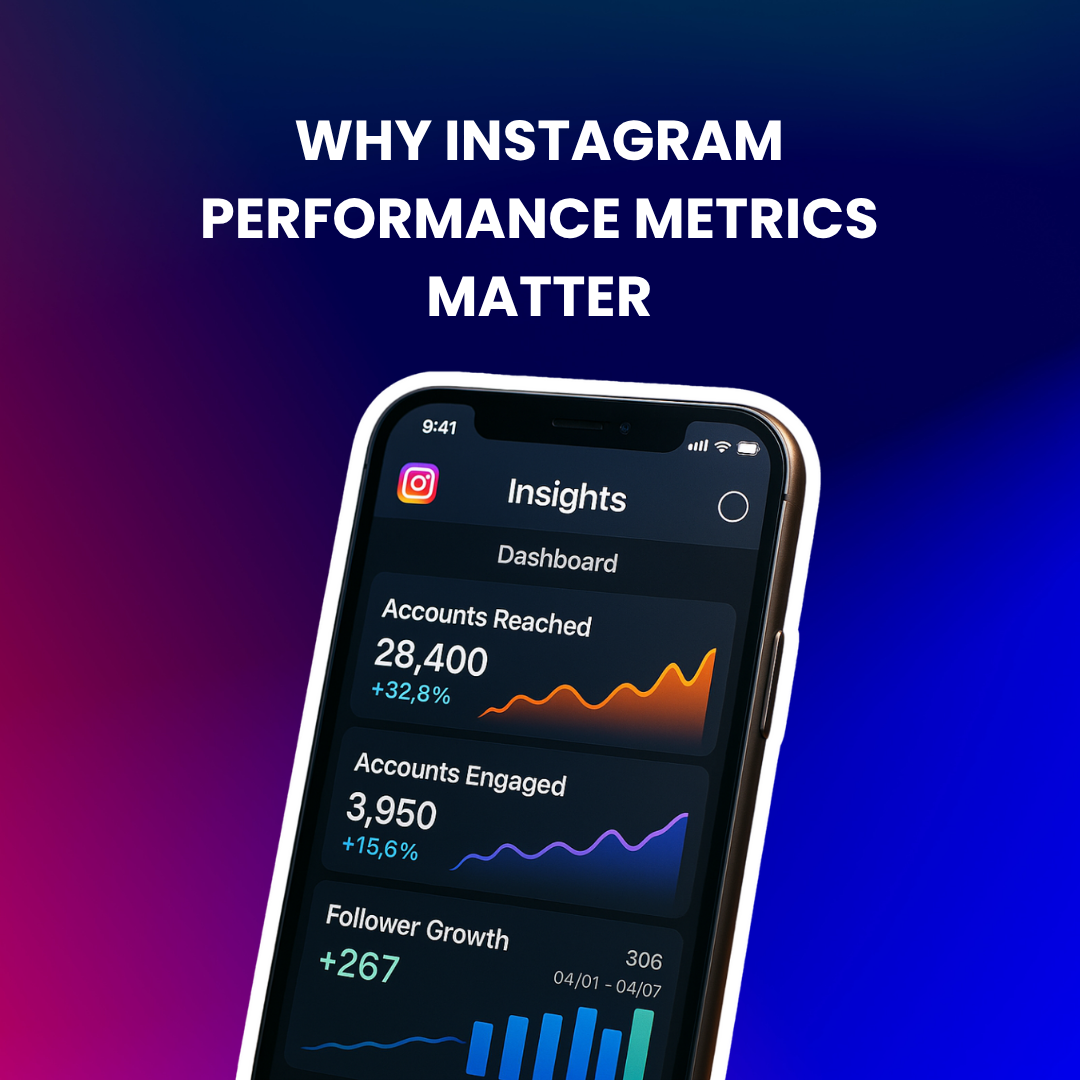
Whether you're aiming for brand awareness, conversions, or community building- what gets measured, gets managed.
With over 2 billion monthly active users, Instagram is no longer about likes alone. It’s about performance metrics that actually drive your goals.
For example:
By learning to check and interpret these metrics, you can:
Build a strategy that grows your audience and revenue.
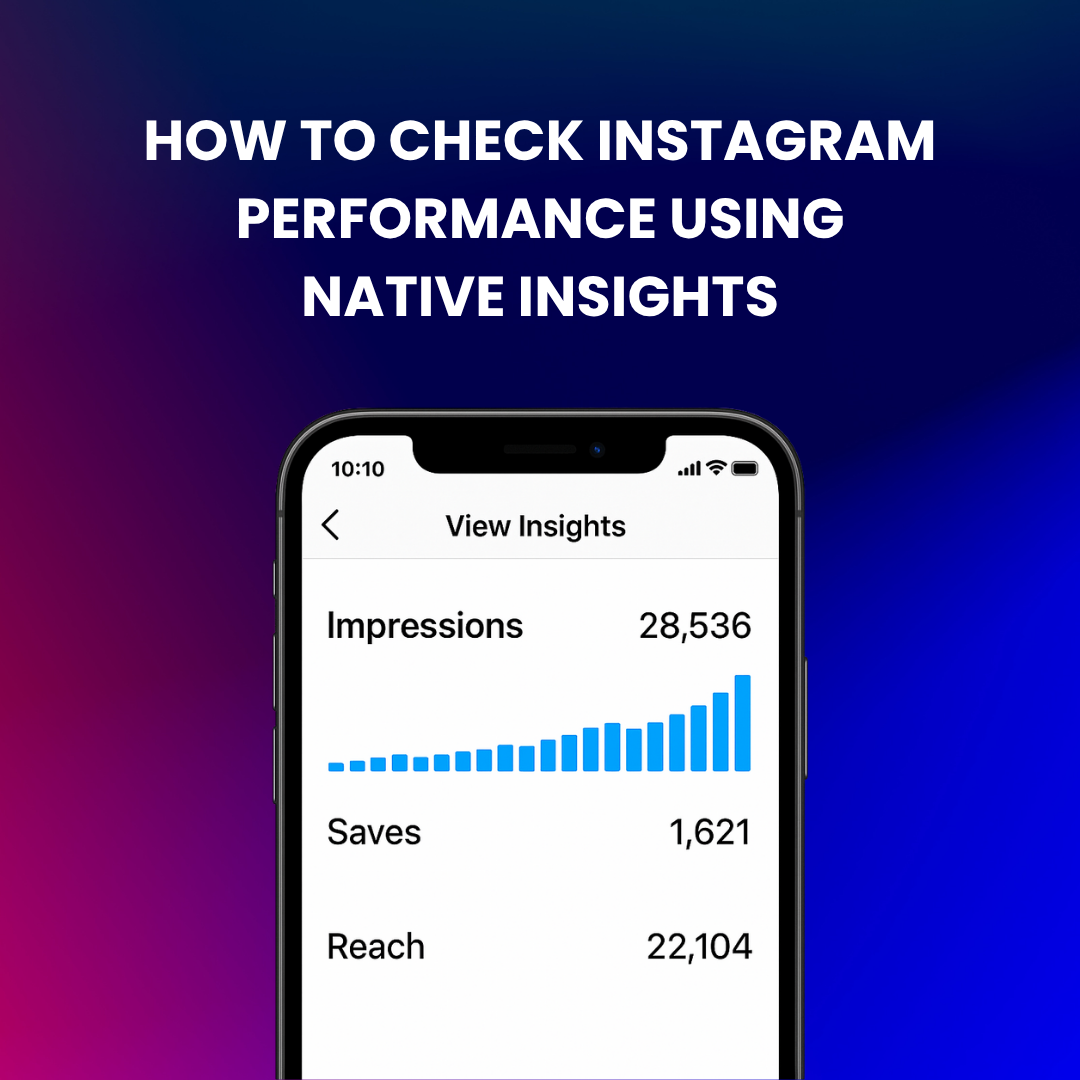
Instagram’s built-in Insights are available to all business and creator accounts. Here’s how to access them:
You can also tap “View Insights” below each post or story to get post-level data.
| Metric | What It Tells You |
| Reach | Unique accounts that saw your post (key for brand awareness) |
| Impressions | Total views (including repeats) – useful to gauge repeat engagement |
| Engagement | Total likes, comments, shares, and saves |
| Engagement Rate | (Engagement ÷ Reach) x 100 – compare content effectiveness across posts |
| Saves & Shares | High saves = high value content; shares = content that inspires conversation |
| Profile Visits | Interest in your brand- how many people checked your bio after seeing a post |
| Website Clicks | Conversion intent- how many went from Instagram to your website or link-in-bio |
| Follower Growth | Are you gaining or losing followers? Analyze spikes with content calendar |
Native Insights are limited- especially if you want:
That’s where tools come in.
Best for: Creators and brands who want AI-powered analytics + automationDeepsolv goes beyond numbers. It helps you:
Best for: Agencies or large teams managing multiple accountsIt auto-calculates engagement rate and shows post-level performance. Great export options (PDF, CSV).
Best for: Visual reports & competitor comparisonSprout displays audience demographics, follower growth, and even Instagram Story taps in an easy interface.
Best for: Content scheduling + basic analyticsShows best time to post, top-performing posts, and link-in-bio analytics. Lighter on advanced metrics.
Best for: Ads and boosted post trackingLets you see organic vs paid performance across Facebook + Instagram. You can track click-throughs, ROI, and attribution.
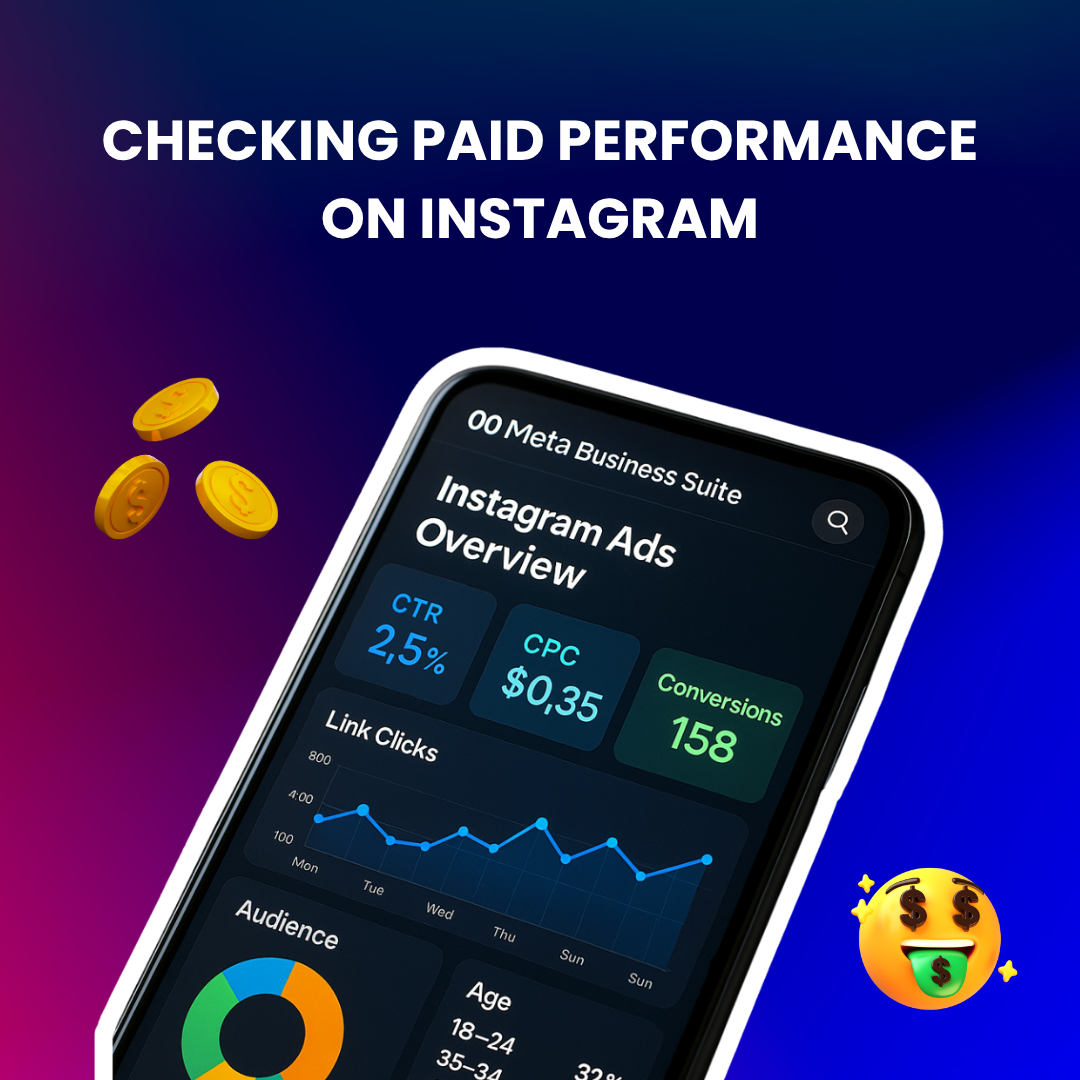
If you run Instagram ads, don’t just look at reach or likes. Track:
For example:
Run A/B tests with different creatives and analyze conversions in Meta Ads Manager. Pair this with insights from your website (e.g., via Google Analytics or Shopify dashboard) to connect performance across platforms.
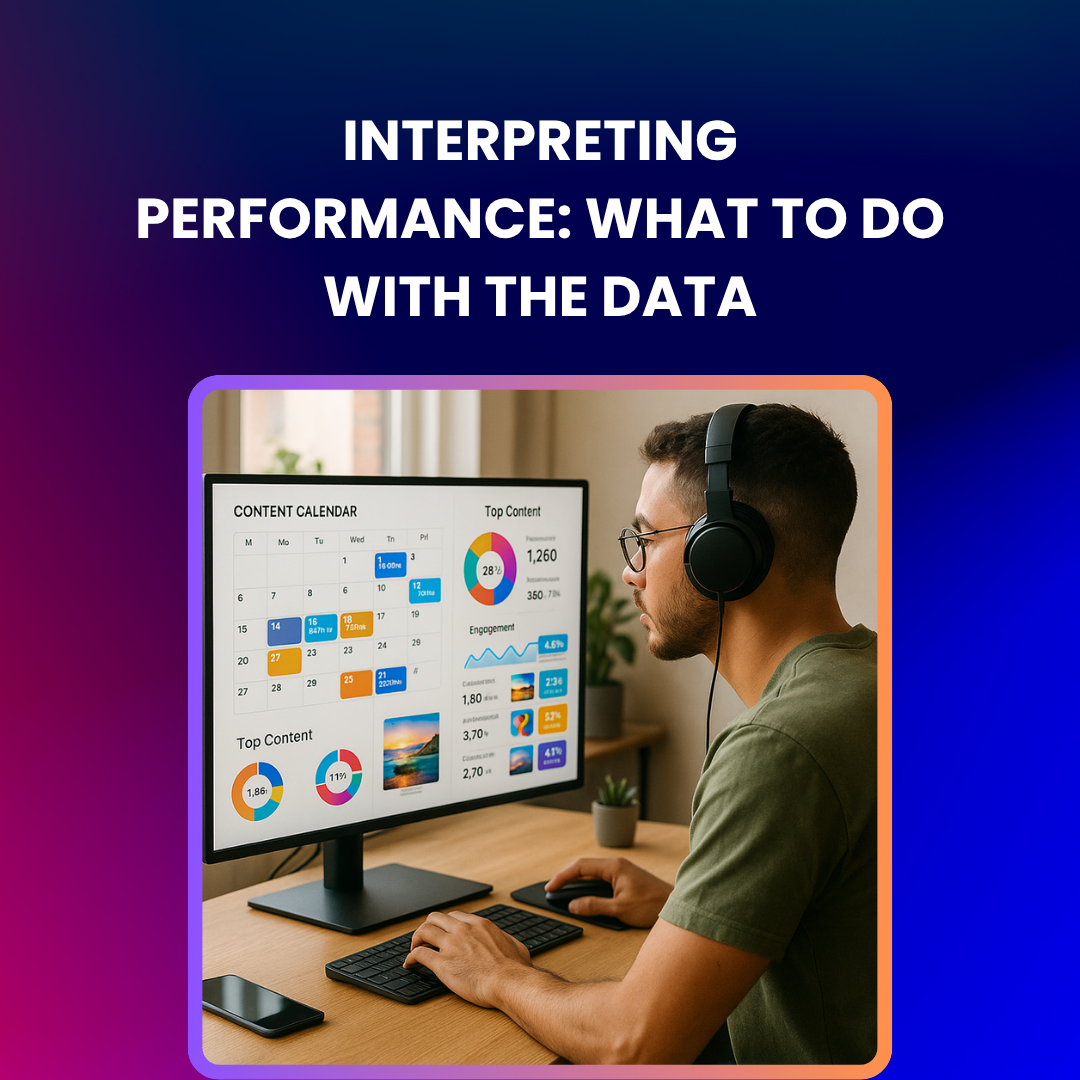
Data means little without context. Here’s how to act on it:
Your content is visible but not resonating.
Fix: Make your captions more interactive. Add “save this if…” or “tag a friend.”
You may be posting irrelevant content.
Fix: Use Deepsolv to analyze what type of posts led to past spikes.
People love your content but it’s not converting.
Fix: Improve your bio links, CTA clarity, or landing page.
You may be missing peak hours.
Fix: Use Instagram’s in-built Insights or Deepsolv’s activity heatmap to find when your audience is most active.
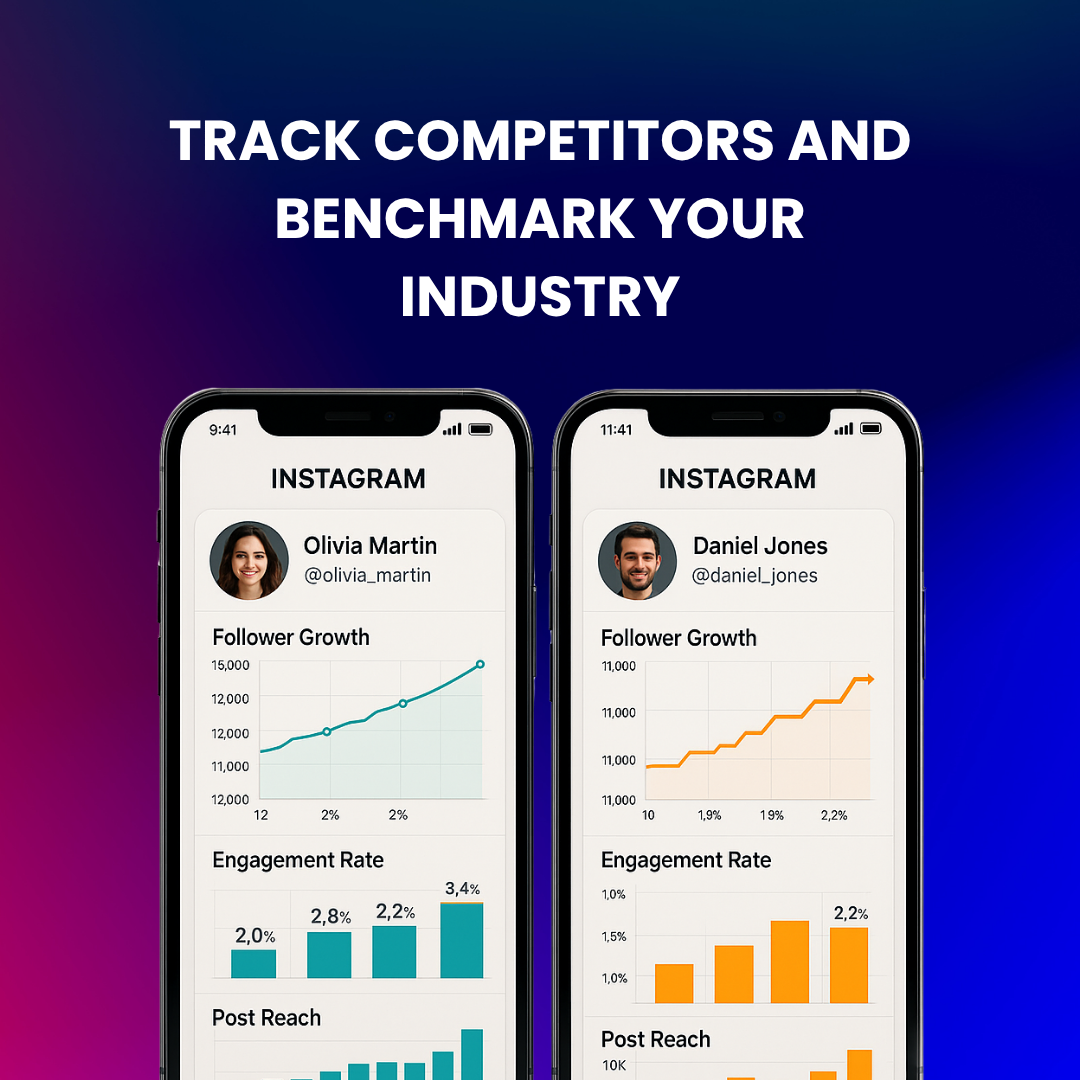
It’s not just about how you’re doing- it’s about how you compare.
Use tools like Socialinsider or Deepsolv’s competitive tracker to:
Example: A fashion brand realized its engagement rate was 1.2% while industry average was 1.9%. They shifted from product-only Reels to UGC content and gained 4,000 new followers in a month.
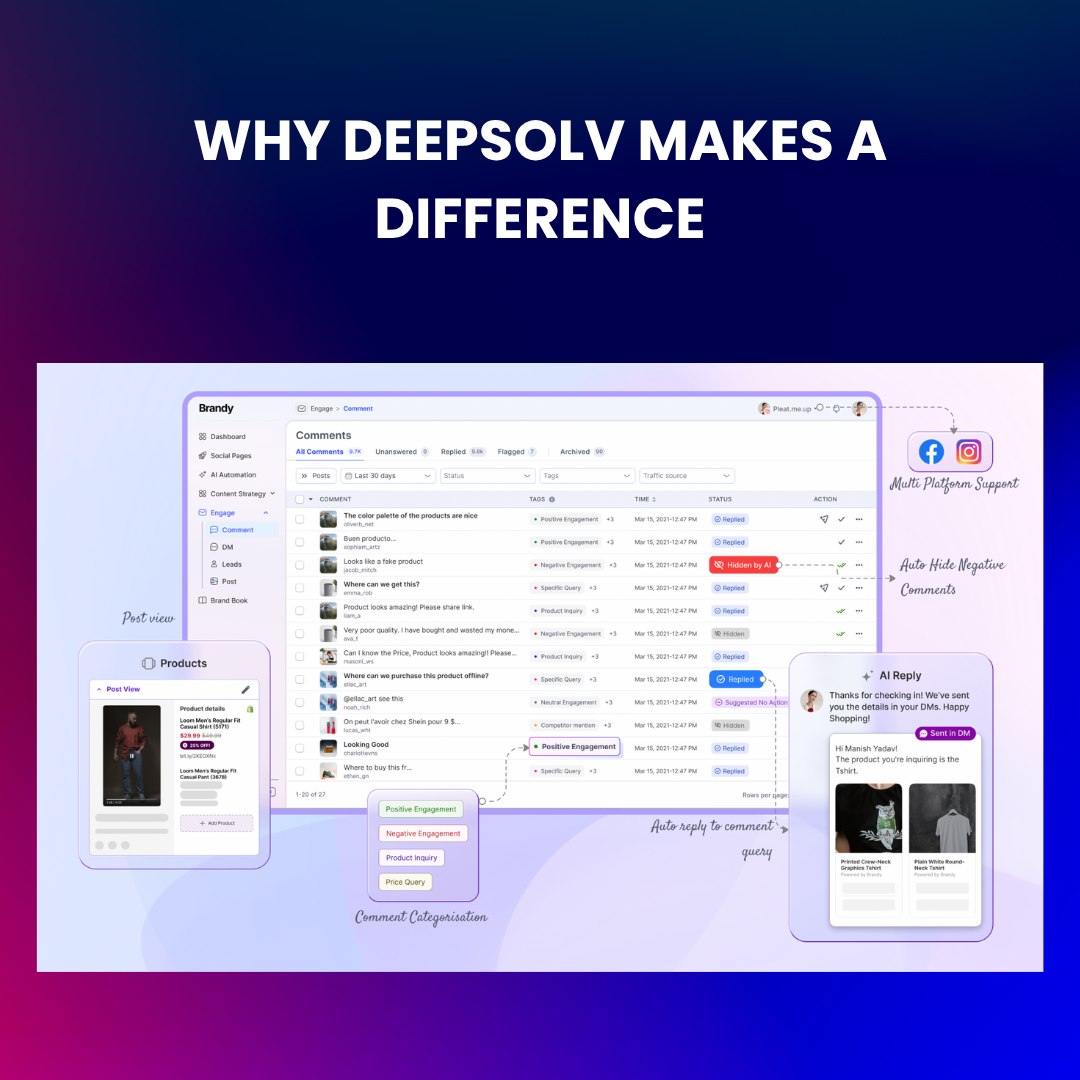
Most tools show what happened. Deepsolv helps you understand why.
What sets it apart?
So while others are guessing what worked, you’ll know exactly what to post next.

Don’t just post- analyze. Don’t just guess- act. Tools are only useful when paired with a content strategy.
And if you want Instagram performance insights that actually lead to growth (not just vanity stats), combine:
It’s not about tracking everything, but about focusing on what drives your community, content, and conversions. Schedule a free call now with Deepsolv and scale your brand efficiently.
FAQs
Frequently asked questions related to this blog post